I came into filmmaking out of frustration that I didn’t feel represented and heard. But since I started to make my own art, I’m fascinated by the idea of exploring how different people see at things…
Conscious cinema
I believe in the power of cinema as an art form to help people understand one another’s predicaments and our shared experiences of life and death.
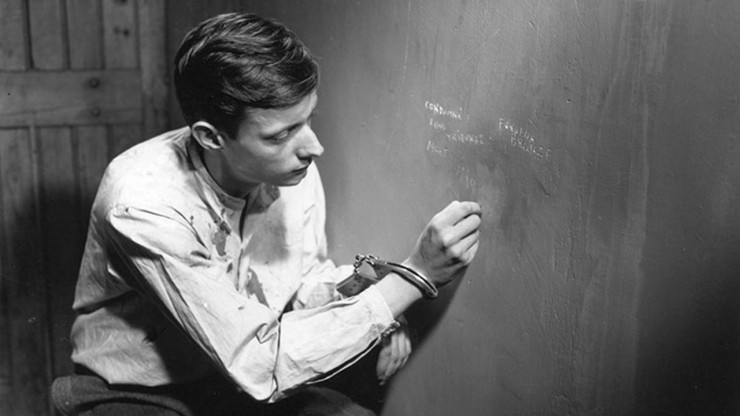
“Conscious” cinemas – works that are drawn from personal experiences, from the life we have lived, and from the world around us, and from which matters to us, inspires me. The great filmmaker Robert Bresson puts it very well, “Make visible what, without you, might perhaps never have been seen.” That has always been my goal.
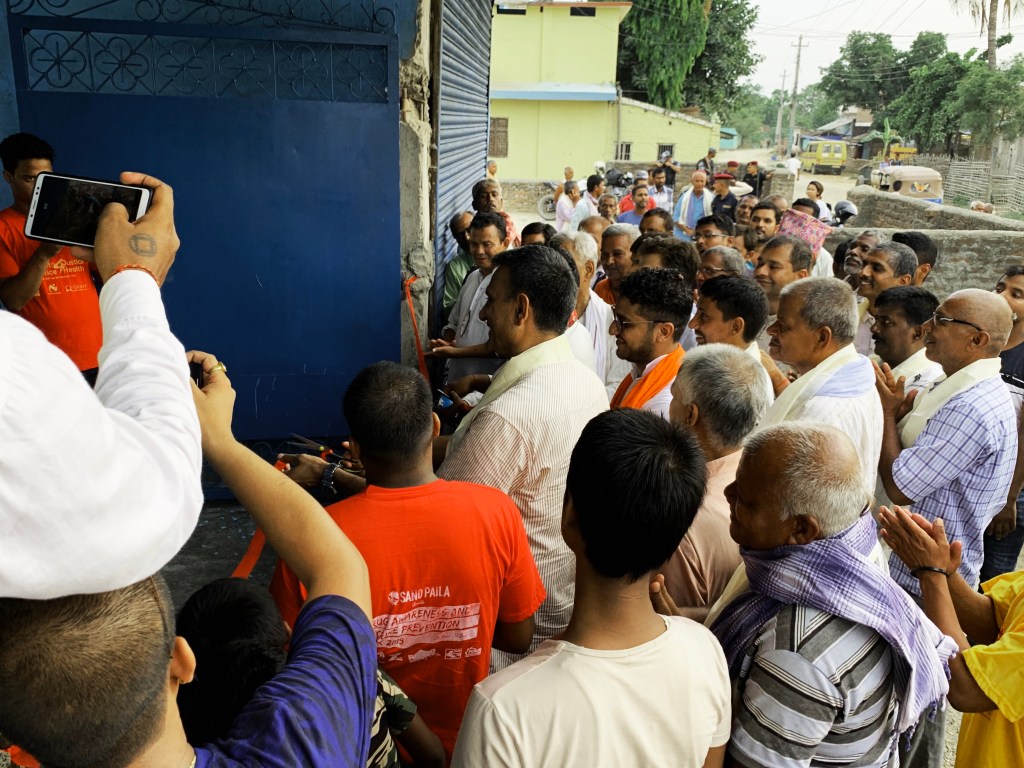
I’m of dark-skinned Madhesi ethnic group of Nepal. I grew up in an environment where at least once a day, because of the color of my skin, I was asked when I snuck into Nepal (from India). Besides, we are subject to jokes in TV serials and Cinemas – what we wear, how we speak or how dark we look! Light skinned actors from the Brahmin-Chhetri caste group makeup their face black to perform us, speak like we are a bunch of retarded.
I chose the cinema out of frustration and anger. Nice years later, things have changed a bit for me.
I have made two features of my own, and working on the third feature, and producing several others. My films have screened throughout the world, at the Berlin, Venice, Toronto, Locarno, Rotterdam, Busan, Sydney, Golden Horse Taipei, Edinburg, New Directors/ New Films film festivals. New York Museum of Modern art has run two of my features for a weeklong screening.
Filmmaker Abbas Kiarostami’s works inspired me to become a filmmaker. Where is my friend’s house? To be particular. I like the simplicity of the work of Kiarostami, at the same time are very complex and deep. Robert Bresson and Yasujirō Ozu are other filmmakers who influence me. I’m very much aligned to Bresson’s philosophy, “make visible what without you might never be seen.” Bresson also focuses on visual storytelling rather than putting all pressure on actors, which I like a lot. Ozu is all about observation, the camera looking up at the actors from the ground, I love it.
I’m perusing IMA MFA with interest to expand my field of works, and to be able to teach. I love teaching. Meeting a diverse group of young filmmakers in becoming and learning their stories and life, has been very rewarding.

Mixture 1
Natalie Jeremijenko
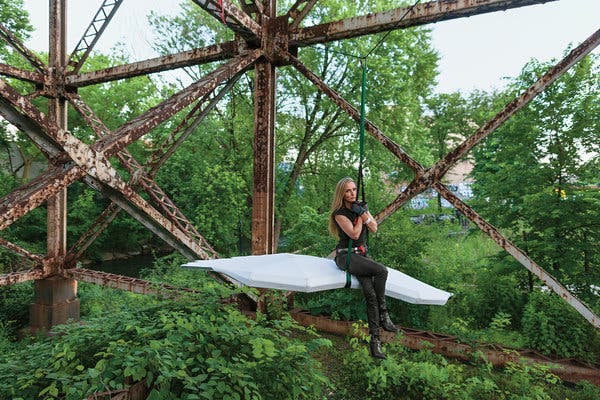
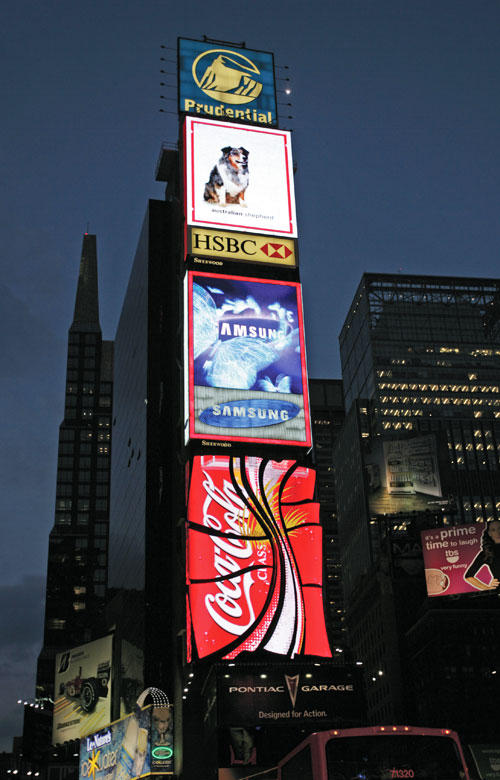
The beauty of art is that it transforms the information into an experience. Provides us a new way to look at things and question. Natalie Jeremijenko best at what she is doing. She seems blends engineering, environment, and art to create an experience that otherwise we might not have. And, her every performance is consciously crafted for social change. I’m fascinated by her works.
At NYU, where is she is a professor, she is running an environment clinic, as a doctor would run a medical clinic. Instead of the patient, she calls her visitors impatient, someone who can wait for the government to make a difference for them. She realizes major diseases of today including cancer is the result of the environment.
Among her works that inspired me, one is “Despondency Index” which she created in 2003 as part of the Bureau of Inverse Technology (BIT). She installed a motion detector camera on the Bay Bridge in San Francisco, recorded suicides, and graphed the relation of suicides to the stock market and other data.
Her Tree logic exhibition that she created at MASS MoCA is another excellent example, in which six live trees are inverted and suspended from a truss, displaying the contrived growth responses of the trees over time. When inverted trees still grew away from earth. We have a saying in Nepali, “A tiger won’t eat grass, no matter how hungry it is”. For me experiment proves the same. It may feel a simple thing, but the exhibition really gives a way to question what nature of nature is?
Us & the machine
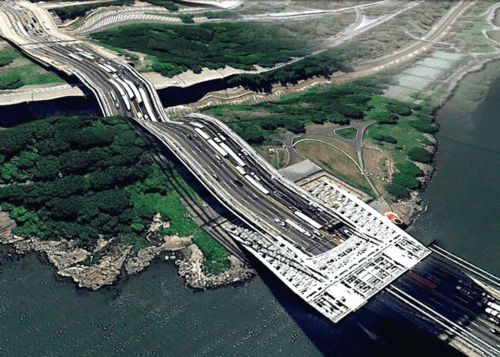
“A very blunt brush with a mind of its own.” One of the quotes that Daniel Temkin has used in his essay ‘Glitch && Human/Computer Interaction’ speaks to the core of glitch art practice. Glitch art practice’s aesthetic may be rooted to malfunction but it’s not about the actual glitch, but a dialogue between humans and machines. What’s interesting about is unpredictability, “we give up control, not to chance, but to a system with its patterns.” Glitch art practice is a product of collaboration with the machine.
Another quote that spoke to me was from Rosa Menkman’s blog post “To design a glitch means to domesticate it. When the glitch becomes domesticated, controlled by a tool, or technology (a human craft) it has lost its enchantment and has become predictable.”
Machines are programmed by the human to perform “the same result” every time it produces it. Something that humans can’t. Human life isn’t predictable in the same way, and that’s what is beauty.
By altering the machine’s code, it leads to the unpredictable result, which in some way reflects human life. Like the Conceptual artists, Sol LeWitt says, “the insanity of the system is a key human condition.”
The concept of glitch art inspired me very much, though I don’t see myself exploring it in near future. And I agree with Daniel Temkin mentions, “perhaps the glitch itself is less important as a visual clue that it builds on this history of experiments in human/machine interaction.” I remain fascinated by its concept.
Photoshop Basics
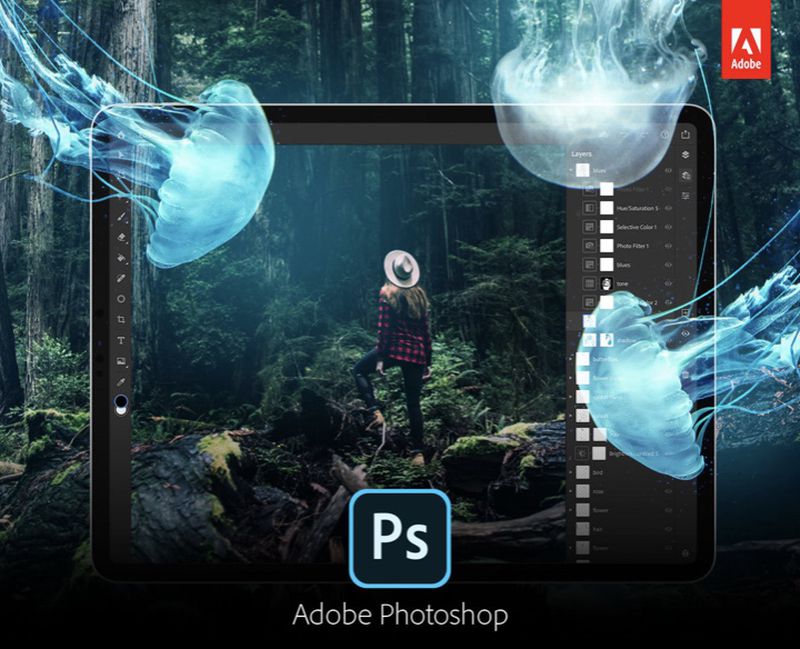
What are some differences between .JPEG and .PSD files? What are some some reasons you would use each?
.JPEG are compressed picture files. It’s smaller in size, easy for distribution. And because it’s compressed, it’s doesn’t have loads of information, so difficult to make edits more some basics of light, saturation changes. And with every save change it loses the quality.
As the name mentions, a .psd file is a photoshop file – a default format that Photoshop uses to save data. A photoshop file could have multiple layers, is bigger, have more data depending on its source picture.
What is Adobe Bridge and what does it enable you to do?
One of the software from adobe creative suite, one from photoshop family, adobe bridge is a media management software. It allows you to view your pictures, make a selection and label it. It has a larger preview tab, and easier to navigate to a different folder or create a new folder. And easily switch between photoshop and bridge.
What key is a shortcut to having Photoshop take up the entire screen on your computer?
We could do this either by clicking on green + key in left of our document window or we can go to view and choose preferred screen mode. I don’t yet know a short cut key for that.
What are the keyboard shortcuts to view your image at 100% and ‘fit to screen’?
Command + 0 to ‘fit to screen’ & for command + 1 for 100% view of an image.
How do you pan around a document without clicking on the Tools panel?
We could zoom in or out a document with short cut key command + (plus key) or command – (minus key) & pan around the documents just with apple mouse or keypad.
 DR's diary